Are you looking to create your very own website but not sure where to start? In this tutorial, we will walk you through the entire process of building a new web page step by step using the AtheraStudio Code editor.
Step 1: Creating a New File
Start by adding a new file to your project directory:
- Click the new file icon or use the menu to open the New file dialog window.
- Type in your file name. The standard name for a homepage is index.html (or index-2.html for an alternate version).
- Confirm by clicking the Create button.
A fresh, blank file will open in your workspace, completely ready for editing.
Step 2: Writing Code with Smart Assistance
As you begin typing HTML, AtheraStudio Code provides helpful real-time code assistance.
For example, if you forget the document type declaration and type <html lang="en"> directly, the editor will detect the issue and highlight that code segment. A prompt will appear stating Missing <!DOCTYPE html> declaration alongside a green Add button. Clicking it automatically inserts the missing header for you.
Step 3: Building the Core Structure
Next, flesh out your document skeleton with the essential HTML tags:
The <head> section: Holds metadata such as UTF-8 character encoding, viewport settings, and the page title shown on browser tabs (<title>).
The <body> section: The main area where all content visible to your site visitors lives.
The editor includes clear syntax highlighting and tag matching, making your code clean and easy to read.
Step 4: Adding Content and Styles
Wewnątrz sekcji <body> możesz zbudować układ strony:
- Inside the element, you can begin constructing your layout:
- Main content (): Insert paragraph text () introducing your project.
- Button (): Add an interactive call to action element.
You can quickly style these elements using inline CSS attributes like style="...". Customize your button with a vibrant green background and rounded corners, or center your header text in just a few clicks.
Step 5: Live Preview in the Editor
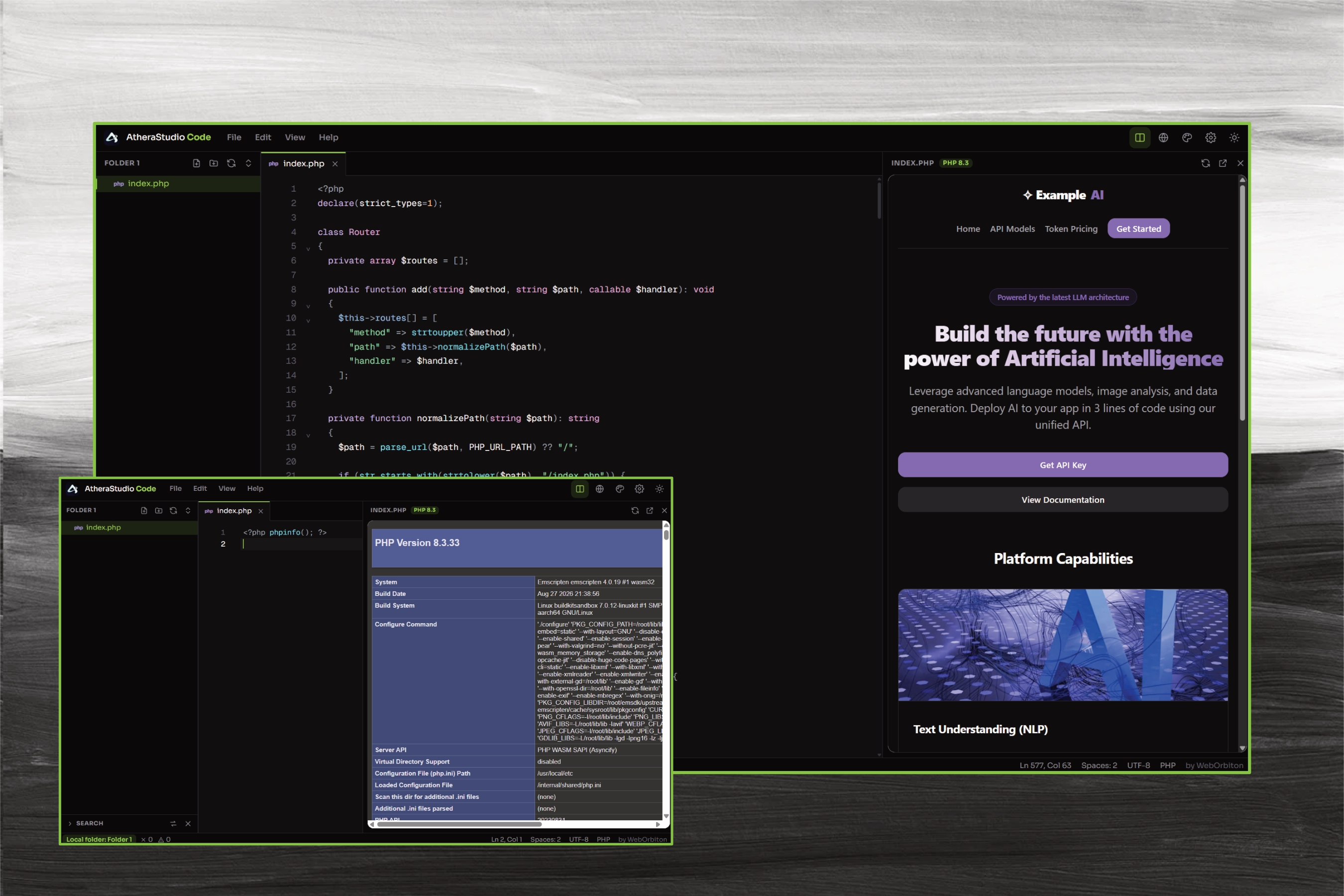
One of the standout features of working in AtheraStudio Code is its built-in live preview panel.
To the right of your editor workspace, you can keep the INDEX.HTML preview pane open. Any edits made in the code editor on the left immediately update on the right side in real time. You no longer need to switch back and forth to an external web browser or refresh the page manually to see your design changes!